
Save your time, professionalize your work and attract more clients on social media with your posts!
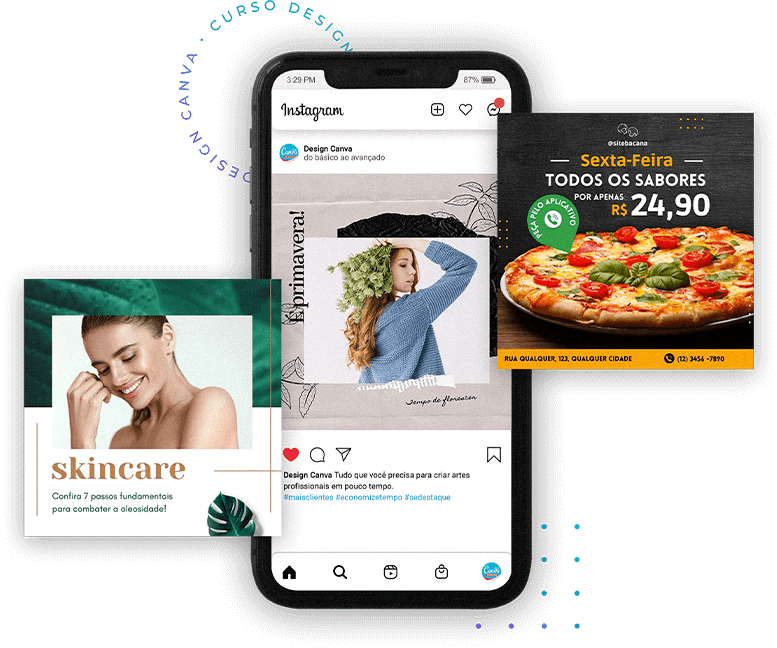
Discover how to stand out from the crowd by creating posts, logos and templates in a simple and practical way — even if you have no design experience.
The course is 100% online. Your purchase information is processed on a fully secure platform, and your data is protected.
Reach a new level in your social media with more attractive posts
All the Design content was created and developed to help you learn how to create beautiful and professional artwork in a fast, simple and intuitive way.
In a short time, you’ll be able to create posts for your social media, videos and extremely professional logos—even if you’re just getting started.

7-day guarantee
No bureaucracy and no complications
Instant access
Login and password sent immediately

100% online course
Study whenever and wherever you want
For whom we recommend this course:
For those who are beginners in design
If you’ve never worked with design tools but want to learn in a practical and simple way, Canva is the first step to creating professional artwork without complications.
Entrepreneurs and freelancers who want to create their own designs
Perfect for those who need to promote their products or services on social media, create marketing materials, and strengthen their brand without depending on external designers.
Professionals looking for new skills
Ideal for those already working in areas like marketing, sales, or communication and who want to expand their knowledge, gaining agility and autonomy in creating visual content.
For whom we recommend our Design Course?
Everything you need to create professional artwork
Business Owners
For those who have their own business and want to create their posts without spending a fortune hiring a designer.
Freelance Professionals
Lawyers, dentists, psychologists, manicurists, nutritionists, etc., who want to have a unique and irresistible online image.

Content Creators
People who want to turn their social media into a successful business and improve the quality of their posts.
Learn from Basic to Advanced
Everything you need to make your life easier
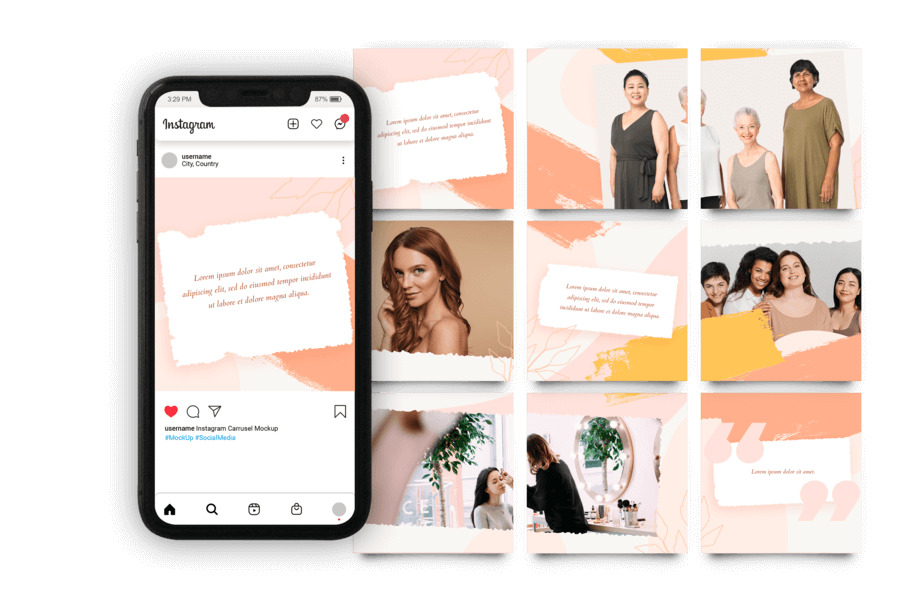
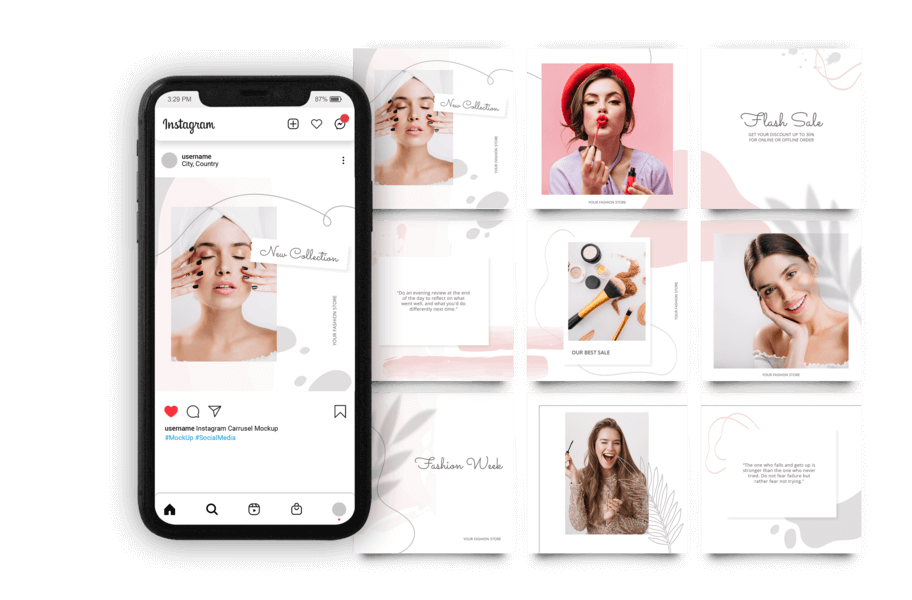
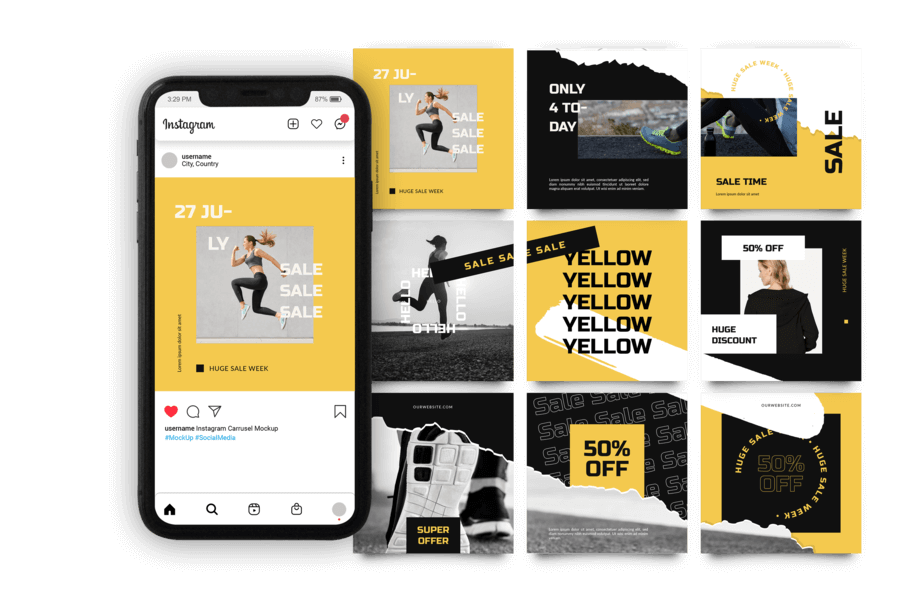
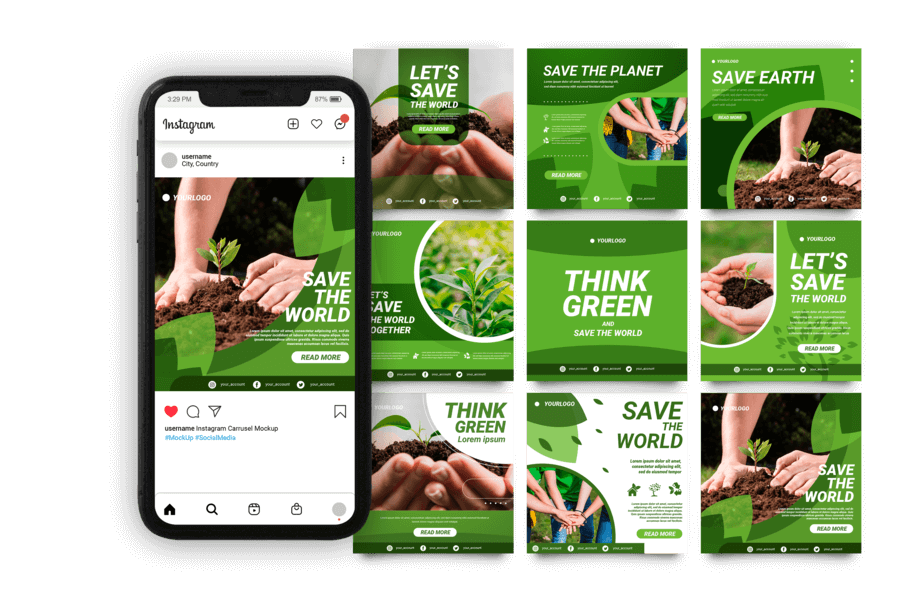
Learn how to keep your Feed Organized
In just a few clicks, you’ll learn how to create and maintain a beautiful and organized feed on your social media, helping you stand out and attract more followers and clients.
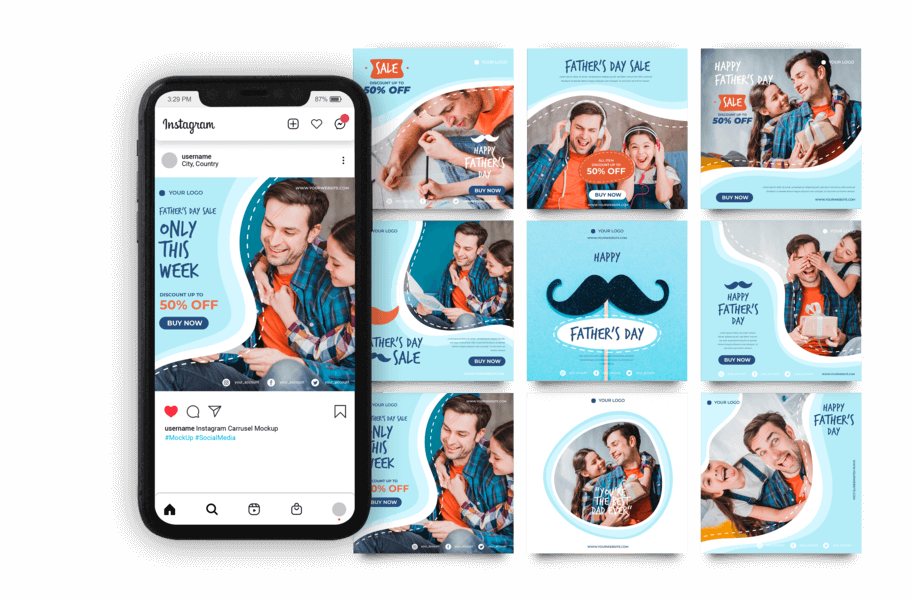
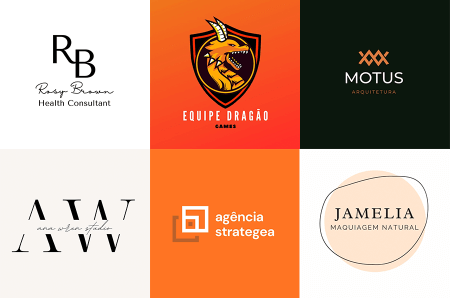
Creation of Logos and Visual Identities
Learn how to develop your own professional logo, define the right colors, and even use a surprise trick to create even better logos. All of this in a simple and practical way with Canva.
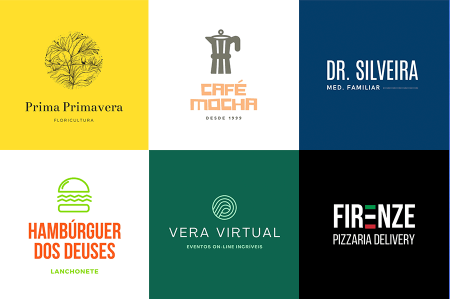
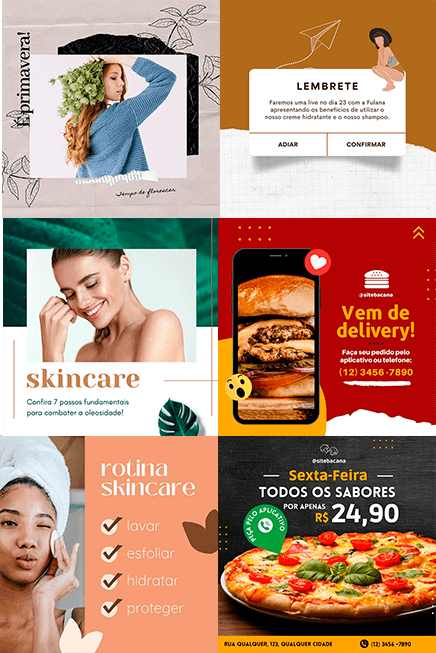
Art for Social Media and Physical Products
Create professional designs for your feed, stories, brand mockups, ads for Facebook, Instagram and Google. Learn how to create menus for your restaurant, banners, flyers, YouTube covers and much more!
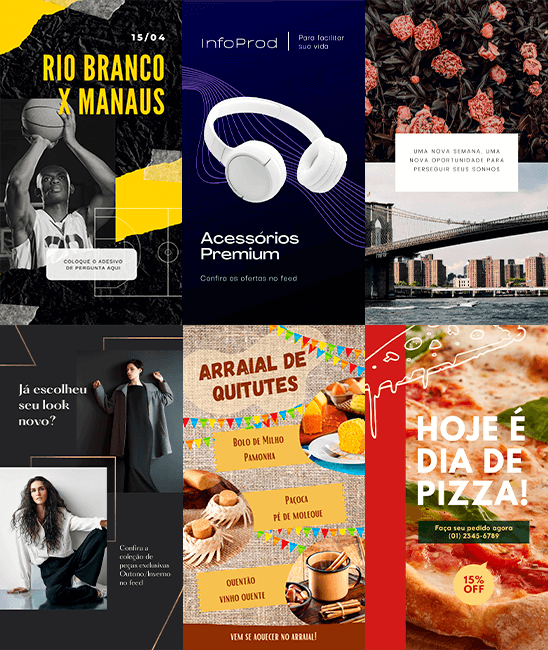
Videos and Intros for Your Social Media
Have you ever imagined making beautiful videos and impressing your audience with them? Now it will be easy to create videos for your social media and intros for your YouTube channel.
And much, much more!
A complete Canva training: learn how to apply filters to photos, cut images, make ebooks, videos, Facebook covers, animated cards, organized feeds and much more…
Content Overview
Course with 17 video modules from Basic to Advanced
Welcome and introduction
Class system / magic trick
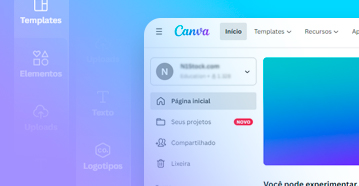
Creating a Canva account
Guided tour inside Canva

Adding photos
Image adjustments
Photo filters
Cropping and rotating images
Magic trick – flawless tip 1
Magic trick – flawless tip 2
Photos inside Elements
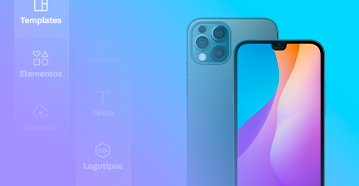
What a mockup is
Magic trick – flawless tip 1
Magic trick – flawless tip 2
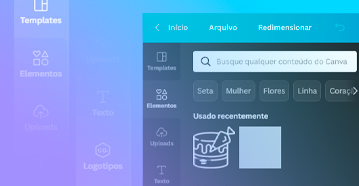
Element layers
Cutting elements
Magic trick – flawless tip
Locking and copying element effects
Grouping elements
Mastering templates with elements
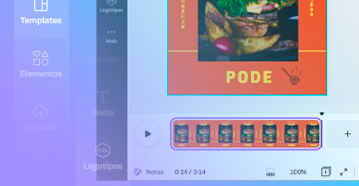
YouTube videos
Magic trick – downloading videos
Animating templates
Animation, music, template & mockup
Magic trick – music tip
Magic trick – video tip
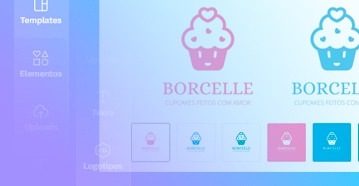
Difference between logo and logotype
Defining your color palette
Creating a logo
Creating a logotype
Magic trick – flawless tip
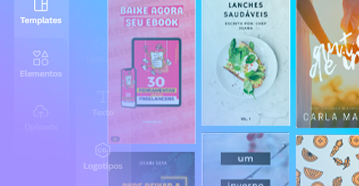
Designing the cover
Creating internal pages
Magic trick – 3D cover
Creating promotional material
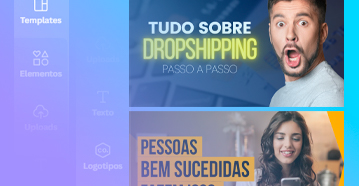
YouTube channel cover
Channel profile picture
Animated intro
Creating thumbnails
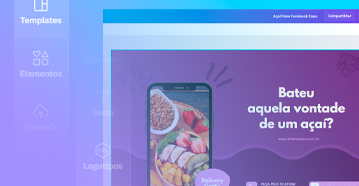
Creating a Facebook cover
Magic trick – flawless tip
Profile picture
Facebook mockup
Holiday/occasion posts
Text overlay analysis
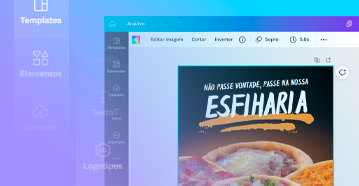
Attractive profile photos
Adding verification/authentication
Unlocking Instagram creativity
Magic trick – creating highlight icons
Story images
Animated video stories
Feed nuggets & IGTV
IGTV cover
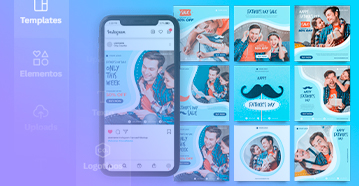
Types of organized feeds
Mosaic feed effect
Magic trick – cutting & publishing mosaic
Photo montage effect
Magic trick – montage publishing
Layered feed
Publishing layered feed
Color palette feed
Publishing palette feed
Carousel posts
Publishing carousel
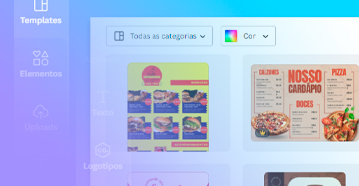
Promotional flyer
Menu
Business card
Catalog & brochure
Commercial proposal / budget
Poster
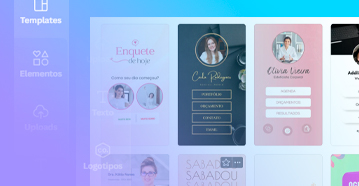
What is a digital card + inspirations
Designing a digital card
Model-based card creation
Magic trick – interactive buttons
Magic trick – mini-site / instabio
What stickers are + inspirations
Drawing stickers
Creating stickers with photos
Magic trick – installing sticker app
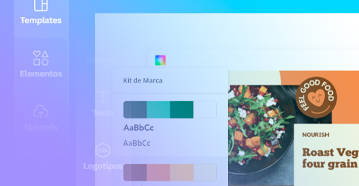
Installing on mobile
How Canva works on mobile
Editing templates
Working with photos on mobile
Adding text on mobile
Adding elements on mobile
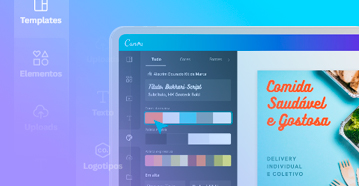
- Canva Pro complete class – main features

How to make money with the course
How to become an affiliate
All promotional materials
Affiliate support group
To accelerate your results
Setting up WhatsApp Business
Adding company information
Adding an automatic away message
Adding a welcome message
Setting up quick replies
Using labels and share links (Magic Trick)
Creating a product catalog in WhatsApp Business

What Facebook ADS is and how to create a page
Creating and setting up an ad account
Creating an audience to advertise to
Understanding campaign types
Creating a campaign to sell via WhatsApp

What Workana is
Creating a portfolio on Behance
Creating an account on Workana
Finding jobs on Workana

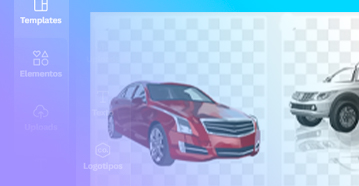
- Transparent PNG pack
How to charge for design services
Price table by service
And you also receive 2 Special Bonuses!
Specialized Support for Questions
Count on direct help from a design specialist to answer your questions and receive practical guidance whenever you need it, ensuring more security and confidence throughout your learning journey.

from $59
Now: FREE
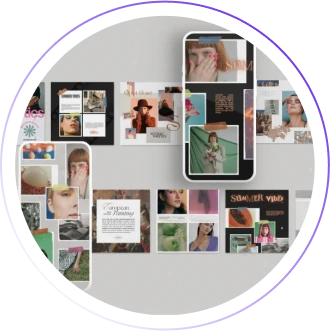
Pack of Viral Post Templates
Get access to an exclusive package of ready-to-use and fully editable Canva templates, inspired by high-engagement posts. Just customize and use them to attract more attention and followers on social media.
from $59
Now: FREE
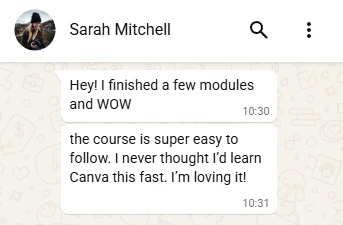
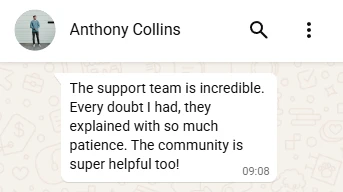
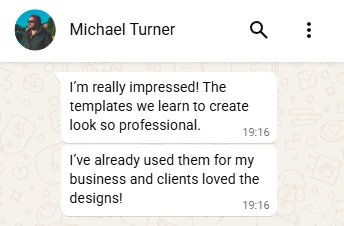
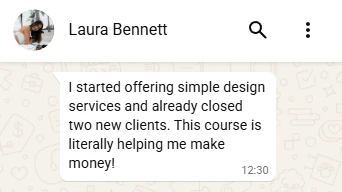
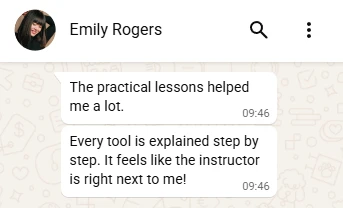
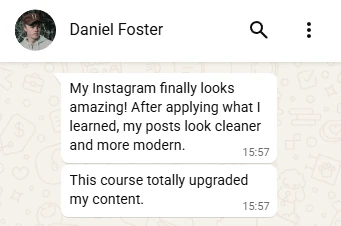
What our students Say About the Course?
Still unsure? Check out what our students have to say!
Included Certificate
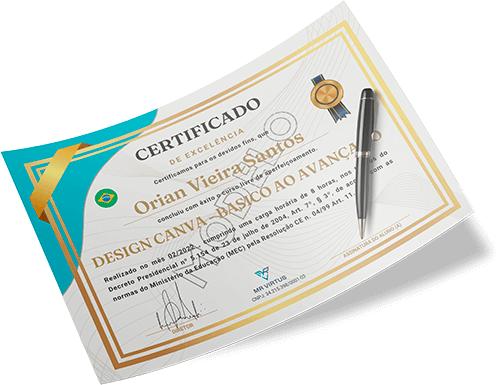
Complete course with Certificate of Completion!
Yes, our course includes a beautiful certificate of completion.
After finishing your course, you will have access to your certificate directly in your exclusive student area, proving your qualification in the Web Design Course – From Beginner to Advanced.
The certificate includes course hours, company registration, and is valid throughout the entire national territory, in accordance with Presidential Decree No. 5.154.
Zero risk for you!
Unconditional Guarantee!
Still unsure? Don’t worry.
If the content described above is not what you receive, you get a 7-day guarantee, and I will refund your money with no hassle!
Remember that your access to the platform is unlimited, and we are always adding new lessons.
Enjoy this opportunity! Limited-Time Offer!
from $59.00 For Only
12x of $3.20 *
or $29.00 in full

Contact Us
Get in touch with us via WhatsApp — our team is ready to assist you and answer any questions you may have about our training.
Frequently Asked Questions
You’ll receive immediate access to the full course right after your payment is confirmed.
You can make your payment via credit card, debit card, or bank slip.
Check your spam or junk folder — sometimes the access details are sent there. If you still can’t find it, simply contact our support team via email or WhatsApp.
Once your payment is approved, you’ll receive an email with a link to access the course, which will take you directly to your student area.
We’re here to help! Our support team is available throughout the course via WhatsApp or email.
Yes, you’ll receive a completion certificate 7 days after starting the course.
Your access is lifetime.
Contact Us
If you have any additional questions, just send us an email — we’ll be happy to reply.